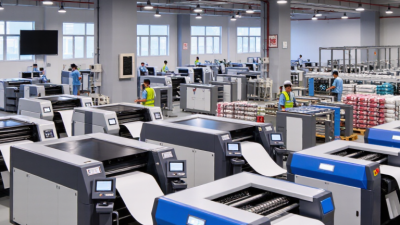
Choosing the right printing equipment can shape a business’s daily costs, turnaround times, and customer experience. The best option depends on what you print, how often you print it, and the finish your customers expect. A small design studio may need crisp color proofs, while a busy office may value reliable, economical document output. There is no single machine that suits every workplace.
This guide to the 2026 best printing machines for business compares practical factors, including print quality, speed, running costs, media compatibility, maintenance, and available support. It also considers whether an inkjet, laser, wide-format, or production printer better fits a specific workload. The phrase “Printing Machine Machine” may appear in searches, but sound purchasing decisions should rely on clear specifications and verified product information. Check monthly duty recommendations, supply prices, and warranty terms before making a shortlist.
Small details matter. A printer that handles thick stock but jams on a long run may slow production. A fast model can still cost more than expected when toner, ink, or servicing is included. Compare current manufacturer specifications and independent reviews, and request a sample print when possible. Needs change, and forecasts are imperfect. Treat this guide as a starting point, then match each recommendation against your actual print volume, budget, and workspace.
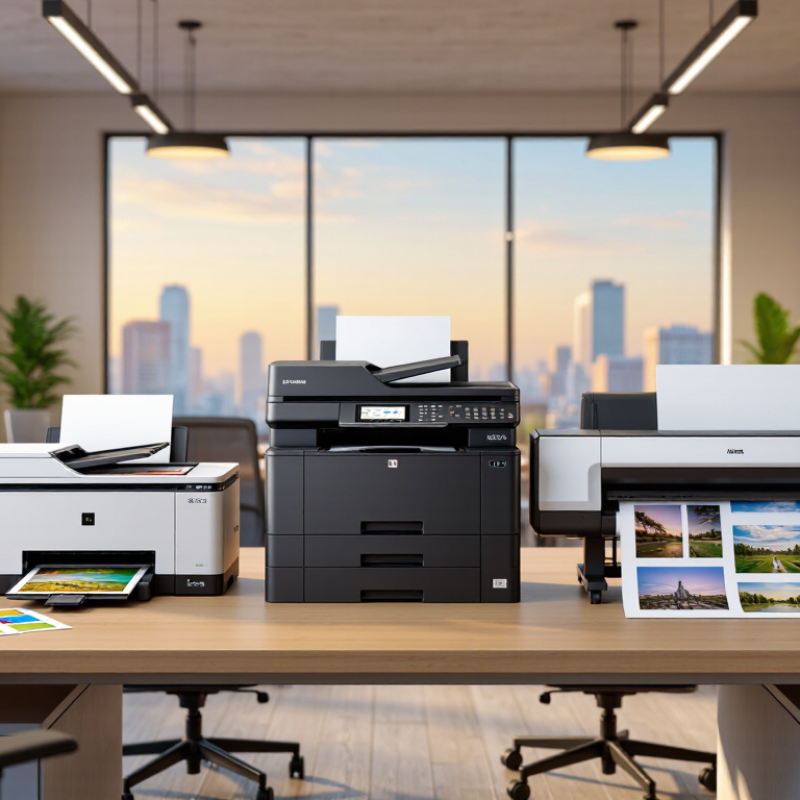
Business print demand is better defined by measured throughput than by a headline speed. ISO/IEC 24734:2021 sets out a method for measuring digital printing productivity, including effective throughput (ESAT) and first-set-out time (FSOT). These figures help compare machines under controlled conditions, but they are not promises of everyday output. A duplex sheet carries two images, so “images per minute” is not always the same as finished sheets per minute. That distinction matters.
Use a real job to test the rating. At 40 images per minute, 1,200 single-sided images imply 30 minutes of engine time under ideal conditions. Actual work can take longer. Warm-up, file processing, finishing, and pauses all add time. Ask for ISO/IEC 24734 test results, then compare them with a timed sample using your own mixed documents. Include a long, color-heavy file and a short, urgent print job. A short job may expose FSOT limits that a large-volume average hides. The standard is useful, but it does not capture every office workflow. That is an imperfect fit. I would also record jams and operator interventions, even though those details are not summarized by an images-per-minute figure. This practical check gives procurement teams a clearer estimate of daily capacity.
Use the profiles below to shortlist a printer class by workload and speed. Monthly volumes and daily averages are planning estimates, not product test results. Compare the published ISO/IEC 24734 office-productivity speed for the exact model and configuration before purchasing.
| Business Print Profile | Estimated Monthly Output | Average Pages per Workday | Suggested ISO/IEC 24734 Simplex Speed Range | Typical Print Pattern | Selection Considerations |
|---|---|---|---|---|---|
| Home office or solo professional | 500–2,000 A4 pages | 23–91 pages | 20–30 images per minute (ipm) | Short, occasional documents; mostly text with some color pages. | Prioritize reliable duplex printing, a suitable paper tray, and low-volume running costs. |
| Small office or workgroup | 2,000–6,000 A4 pages | 91–273 pages | 25–40 ipm | Regular mixed jobs from several users, with periodic document batches. | Check network support, paper capacity, duplex performance, and the recommended monthly volume. |
| Busy department | 6,000–15,000 A4 pages | 273–682 pages | 35–55 ipm | Frequent multi-page jobs, shared departmental use, and recurring peak periods. | Allow capacity for peak days; assess finishing options, service access, and consumable yield. |
| Large office or multi-team floor | 15,000–40,000 A4 pages | 682–1,818 pages | 45–70 ipm | High daily throughput with concurrent users and a substantial proportion of duplex jobs. | Compare measured duplex productivity, input capacity, security features, and duty-cycle guidance. |
| Central print room | 40,000–100,000 A4 pages | 1,818–4,545 pages | 60–100+ ipm | Large, scheduled batches and sustained production across the working day. | Request a workload assessment; verify media handling, finishing, uptime support, and total cost per page. |
How to interpret the speed metric: ISO/IEC 24734 specifies methods for measuring the productivity of digital printing devices in office environments. “Images per minute” refers to printed sides; a duplex sheet can contain two images. Simplex and duplex results may differ, and color mode, paper size, driver, job length, and device configuration can affect reported performance. The ranges above are purchasing targets for workload planning, not ISO-certified measurements of particular machines. Monthly page estimates assume 22 working days; confirm actual demand and the manufacturer’s recommended monthly volume for any candidate device.
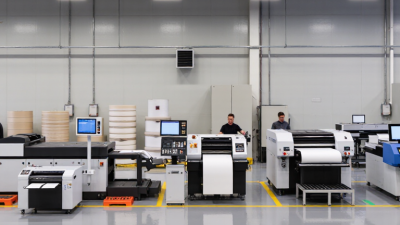
Choosing a business printer means matching its workload, not chasing the highest speed on the box. Laser printers often handle long runs of text efficiently, while inkjet models can suit mixed documents and color graphics. Actual output depends on coverage, settings, and warm-up time. A quoted page-per-minute figure may not reflect a report with charts.
Duty cycle describes the maximum monthly workload a machine is designed to tolerate; it is not a sensible everyday target. Compare it with your typical print volume, then leave room for busy weeks. A small office printing 2,000 pages monthly may need a different class of machine from a production team printing thousands each week. That margin matters. A tidy spec sheet can still mislead if the recommended monthly volume is missing.
Media capacity affects interruptions as much as speed does. Check the standard input tray, output tray, and supported paper sizes, especially if staff print envelopes, labels, or heavier stock. A 250-sheet tray can empty quickly during a shared print run. Check the tray. Also confirm whether extra trays are optional, and whether loading them changes the machine’s footprint. Specifications rarely capture every real-world slowdown; paper jams, duplex settings, and network queues can all stretch a job. Compare like with like, using the same paper size and print mode where possible.
Typical speed, monthly duty cycle, and input media capacity across common business printer classes.
| Printer type | Typical speed | Max. monthly duty cycle | Typical input capacity |
|---|---|---|---|
| Monochrome laser | 45 ppm | 100,000 pages | 600 sheets |
| Color laser | 35 ppm | 80,000 pages | 650 sheets |
| Business inkjet | 24 ppm | 30,000 pages | 500 sheets |
| Production digital press | 100 ppm | 1,000,000 pages | 4,000 sheets |
How to read this: Production presses prioritize very high-volume output, while office laser and business inkjet printers offer lower capacity for everyday workloads. Figures are representative class-level examples; actual speed, duty cycle, and tray capacity vary by model, paper size, and configuration. ppm means pages per minute; capacities are sheets.
2026 Best Printing Machines for Business?
When comparing printing machines, color quality should be judged under controlled conditions, not from a glossy sample alone. For offset lithography, ISO 12647-2 provides process-control references for evaluating color production. It helps buyers ask specific questions about measurement, consistency, and repeatability. Does the supplier measure solid ink density and tone value increase? Can the press hold color across a full production run?
Ask for a test on the paper stock your business actually uses. A warm, uncoated sheet can make the same ink appear different from a cool, coated one. Small shifts matter. Review measured color values, gray balance, and printed control strips, then compare results with the applicable process aims and tolerances. ISO 12647-2 is not a machine certification, and compliance alone cannot guarantee every job will match. Conditions still change. Humidity, paper batches, and operator adjustments can all affect output. A tidy test chart may hide variation across a long run, so request repeated samples and documented settings. Even a careful checklist has limits; that is worth admitting before purchase.
A low purchase price can hide a high toner bill. Compare machines using cartridge yield measured under the same test method, not marketing estimates. ISO/IEC 19752:2017 specifies a repeatable procedure for measuring monochrome toner-cartridge yield. Ask suppliers for the underlying test data, including the tested cartridge and reported page count.
Here is a simple estimate. If a cartridge costs $120 and its ISO/IEC 19752 yield is 10,000 pages, toner costs about 1.2 cents per tested page. At 2,000 monochrome pages monthly, that is roughly $24 a month, or $288 yearly. A spreadsheet makes comparisons easier. Keep paper and service costs separate.
Treat that figure as a benchmark, not a promise. ISO test conditions cannot capture every office’s print mix, settings, or maintenance needs. Keypoint Intelligence’s printer testing and analysis can offer useful independent context alongside standardized yield data. Compare equivalent test results, then track actual cartridge replacements for several months. Drafts, graphics, and frequent short runs may change the math. Small detail, big difference. I would also question any estimate that omits cartridge price or assumes every printed page matches the test.
Choose a Machine by Workload, Total Cost, Security, and Service Needs
Start with actual print habits, not the busiest machine in a catalog. Track monthly pages, peak-day bursts, color use, and common paper sizes for several weeks. A small office printing invoices needs different capacity from a team producing training packets. Check rated speed, paper capacity, duplex printing, and whether the machine can handle your busiest hour. Forecasts are often wrong, though; leave room for growth without paying for capacity you rarely use.
Compare total cost over three to five years. Include supplies, replacement parts, energy use, and staff time spent clearing jams. A low purchase price can hide costly upkeep. Security matters too. Look for user access controls, secure print release, encrypted connections, and a clear firmware update process. Ask how quickly service is available and whether common parts are stocked nearby. Downtime has a cost, even when it never appears on the invoice.
Tips: Ask for a workload-based quote, then test your own files and paper. Check service terms carefully. One missed detail can matter.